

IMAGE ACCESS · WIDE FORMAT SCANNING
WideTEK 36CL eco
Large documents. Clear detail. A compact footprint.
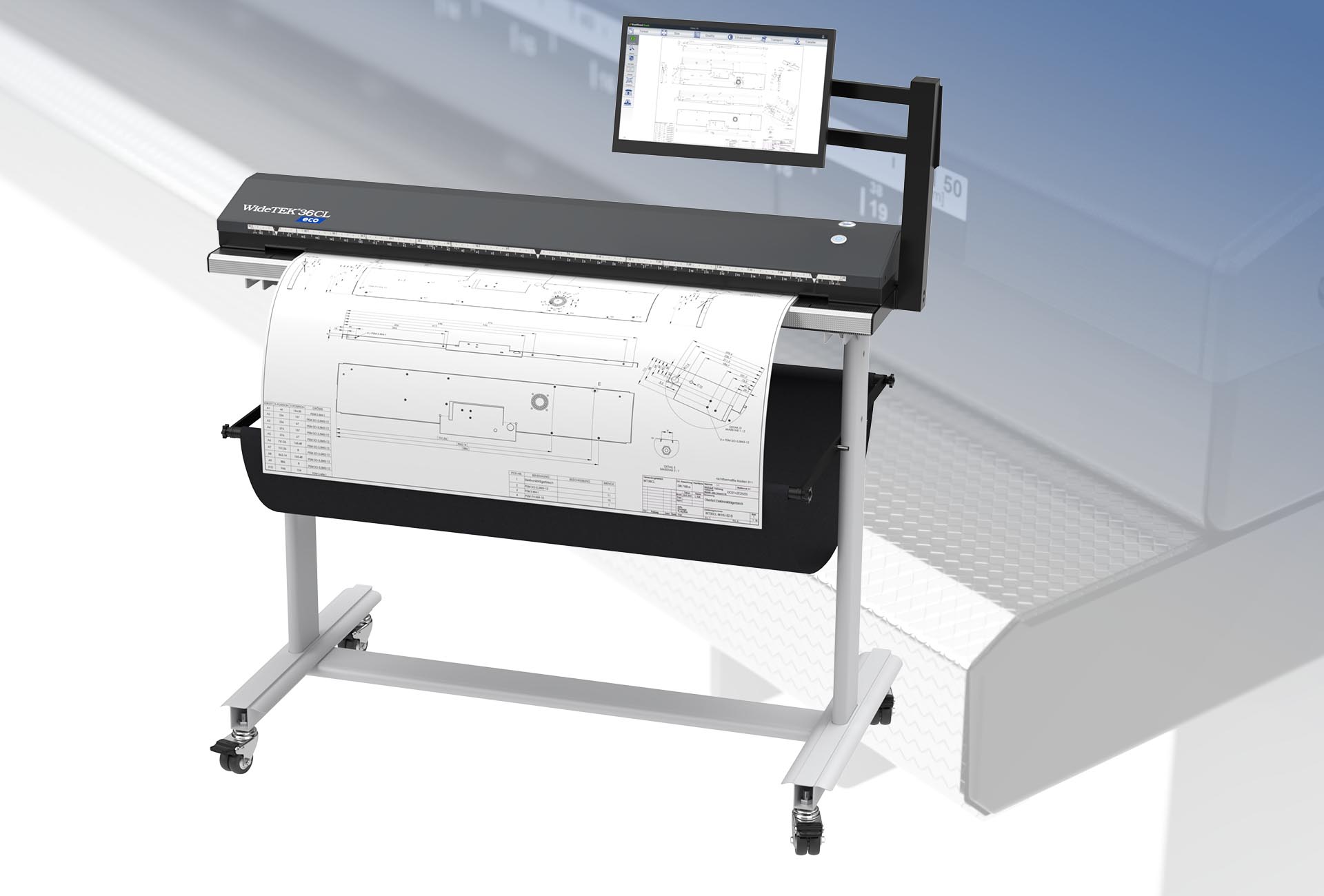
Bring drawings, maps and plans into your digital workflow with a standalone 36-inch scanner. Scan directly from the touchscreen or pair it with a compatible wide format printer.
TAKE A CLOSER LOOK
Every angle, at your fingertips.
Drag the scanner to rotate it, or use the controls below.
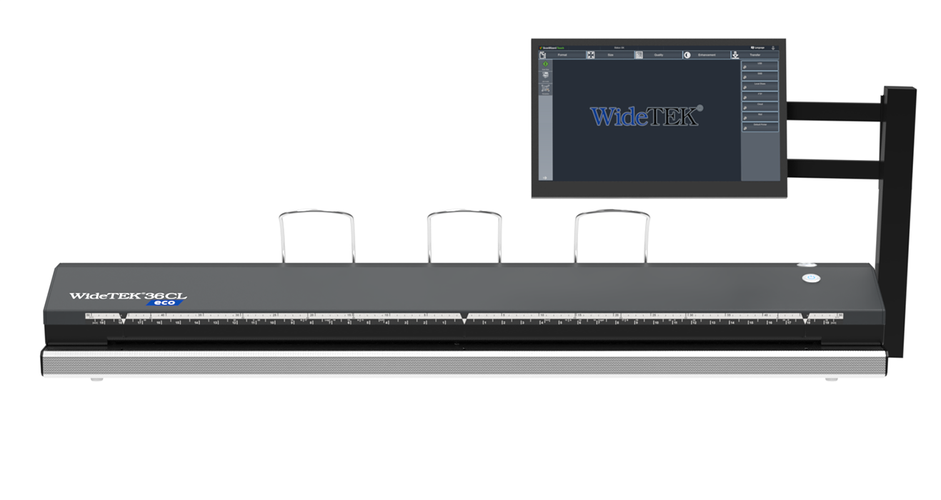 Loading interactive view…
CAPTURE THE DETAIL
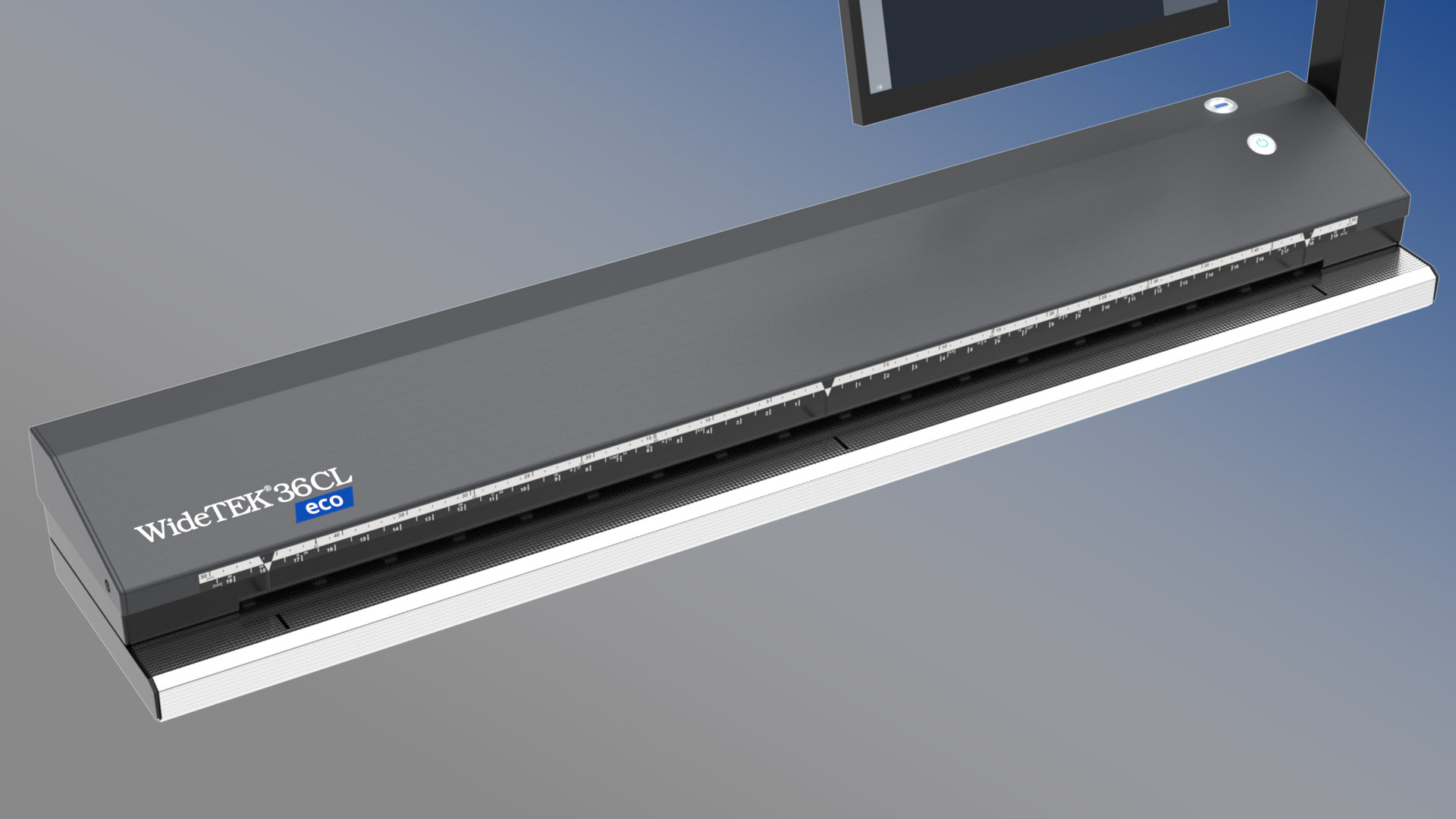
Made for your larger documents.
Digitize technical drawings, maps and posters at up to 600 dpi. Full colour scan speeds reach 3 inches per second at 300 dpi and 1.5 inches per second at 600 dpi.
WALK UP AND SCAN
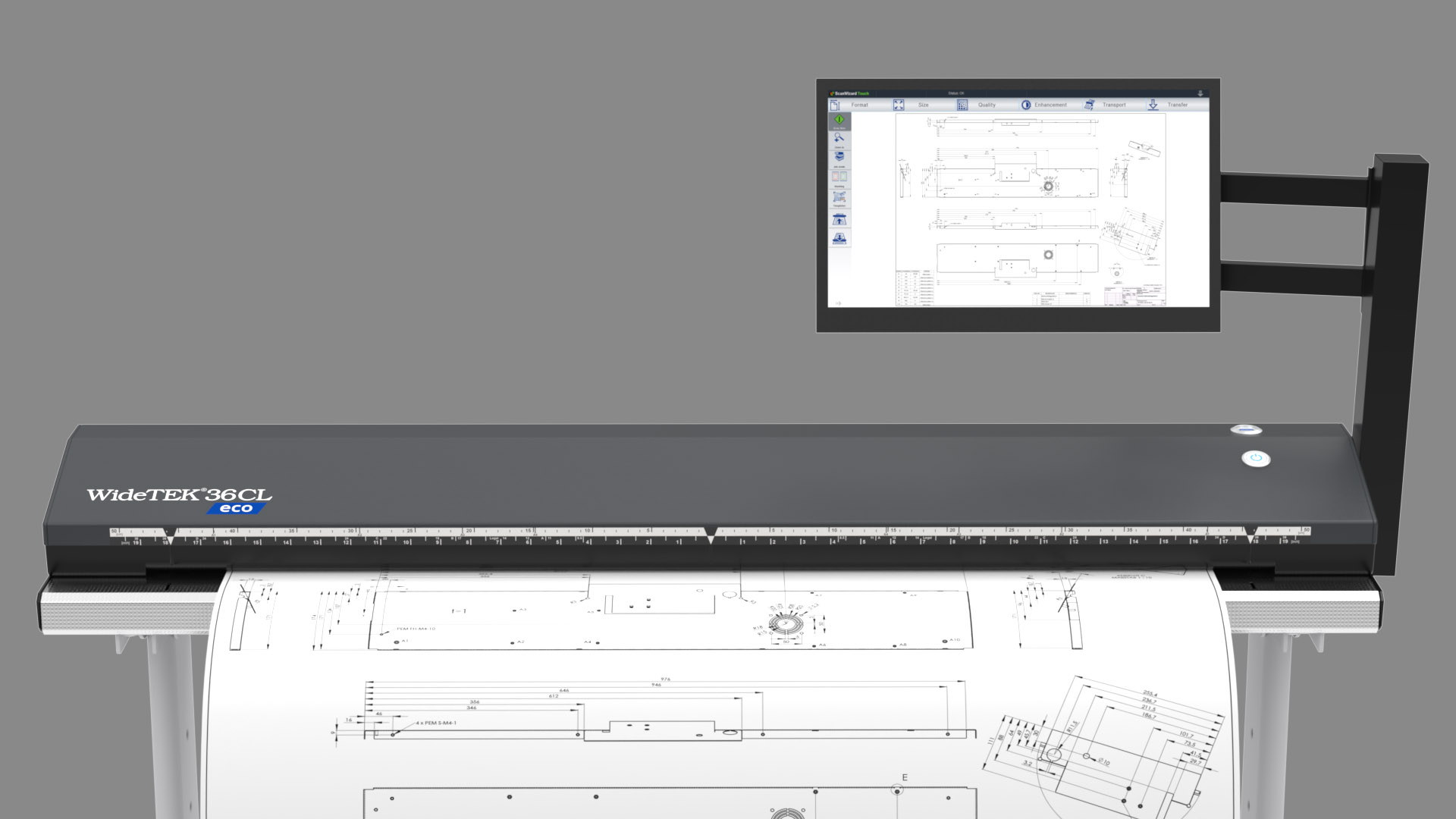
A complete scanning workstation.
Scan2Net and the integrated Linux computer put scanning controls on the 15.6-inch touchscreen. Virtual rescan lets you adjust image settings after capture without feeding the original through again.
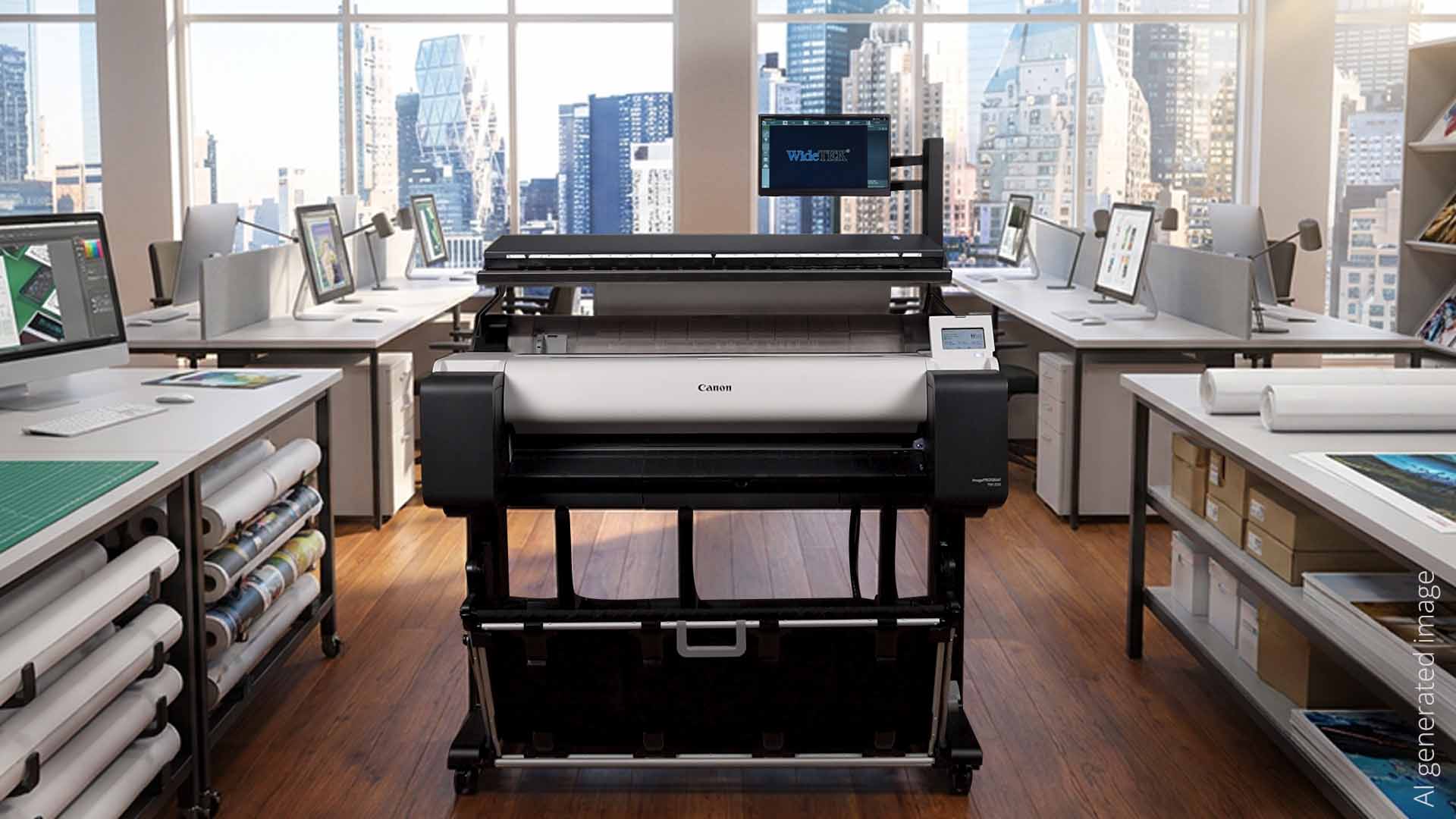
BUILD YOUR MFP SETUP
Scan, copy and print in one space.
Add scanning to a compatible wide format printer. An optional mounting kit supports selected Canon printers; contact Eemediba to confirm the right configuration for your equipment.
Technical overview
| Scanner type | Wide format sheetfed colour scanner |
|---|---|
| Maximum scan width | 36 inches / 914 mm |
| Maximum resolution | 600 dpi |
| Colour scanning speed | Up to 3 in/sec at 300 dpi; 1.5 in/sec at 600 dpi |
| Operation | 15.6-inch Full HD touchscreen; integrated Scan2Net system |
| Optional configurations | Stand and printer mounting kit |
Specifications and product imagery: Image Access. Accessories and printer compatibility depend on the configuration.
LET’S FIND YOUR SCANNING SOLUTION
Ready to bring your plans into focus?
Talk to Eemediba about the WideTEK 36CL eco and your document workflow.